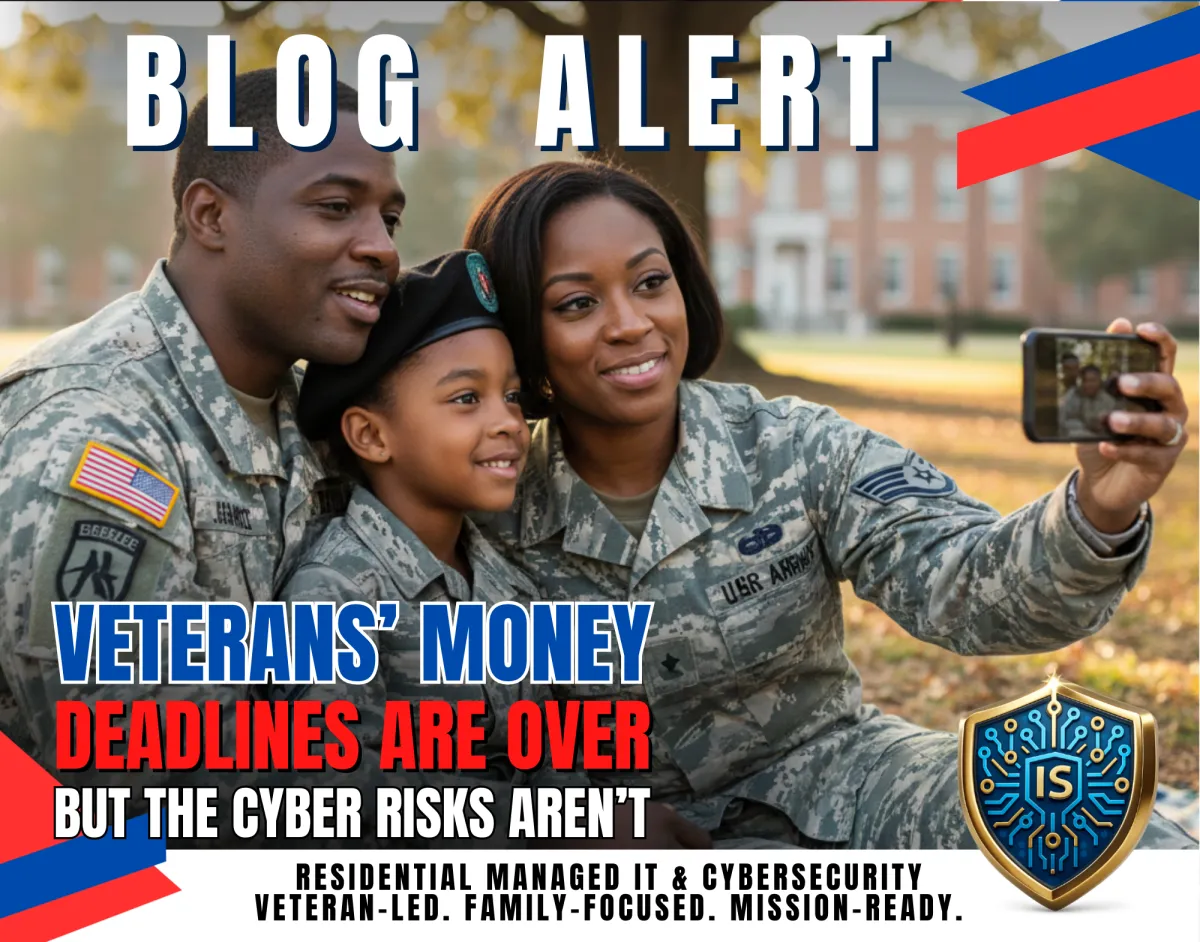
Veterans’ Money Deadlines Are Over But the Cyber Risks Aren’t
Veterans’ Money Deadlines Are Over But the Cyber Risks Aren’t
If you’re a veteran or military family, the end of the year is a sprint: benefits portals, tax documents, retirement accounts, and last-minute financial to-dos. And when those reminders hit especially during deployment season or a PCS attackers know exactly what to do: they imitate official messages and pressure you to “verify” info fast.
A Military.com article from late 2025 highlighted four key year-end deadlines veterans shouldn’t miss like maxing TSP contributions, using FSAs, taking required minimum distributions, and completing Roth conversions. Even though those dates have passed, the bigger lesson carries into 2026: money deadlines create identity-theft opportunities.
Why this matters to the military home front
Our community is a unique target:
We use a high number of official portals and benefit systems.
We’re often under time pressure (deployment gap, drill travel, moving logistics).
We’re “steady-pay” households attractive to fraudsters.
So while you’re handling legitimate tasks like TSP, FSA receipts, tax prep, or retirement planning, scammers run a parallel operation trying to steal logins, MFA codes, or personal details.
Step 1: Treat “deadline reminders” as a phishing spike
Year-end and tax-season topics are perfect bait: “TSP action required,” “FSA reimbursement issue,” “RMD penalty warning,” “refund delayed verify now.”
How to do it:
Never log in from a link in an email/text. Type the site yourself or use a saved, verified bookmark.
Step 2: Lock down your “root” account first (email)
If someone gets your email, they can reset passwords everywhere banking, retirement, shopping, cloud photos, and more.
How to do it:
Turn on MFA for email and update recovery options (phone/email). Store backup codes securely.
Step 3: Secure your retirement and benefits logins like “mission systems”
The article calls out TSP actions as a major year-end focus. Those accounts are high-value targets.
How to do it:
Use a password manager + unique password + MFA on any retirement/finance account. If MFA offers an authenticator app option, use it.
Step 4: Keep tax docs and benefit records protected (and backed up)
FSAs and year-end financial actions generate receipts, statements, and forms. Those documents contain identity gold.
How to do it:
Save documents in an encrypted/secure location, and back them up (cloud + local if possible). Don’t leave them sitting in email attachments forever.
Step 5: Avoid public Wi-Fi for money and benefits tasks (Reservists/TDY)
Hotel and airport Wi-Fi is where “dual-life” risk shows up: one device, two worlds, and a rushed login.
How to do it:
If you must work on the move, use a safer connection (trusted hotspot) and avoid logging into financial accounts on unknown networks.
Step 6: Build a “deployment-proof” family SOP for financial alerts
When a service member is away, the spouse at home becomes the decision-maker under stress exactly when scammers push urgency.
How to do it:
Create a household rule: no one ever reads MFA codes out loud and no one ever approves an unexpected login prompt. If a message is urgent, verify it off-link.
Step 7: Do a February “identity readiness check”
Even though Dec. 31 deadlines are past, tax season is still ahead. The best time to reduce damage is before anything happens.
How to do it:
Review key accounts for unfamiliar logins
Update weak passwords
Turn on account alerts where available
Consider credit monitoring or a credit freeze if your situation calls for it
Common Mistakes
Clicking “official-looking” deadline links from email/text
Reusing passwords across finance + email
Approving MFA prompts you didn’t initiate
Uploading sensitive docs from public Wi-Fi
No backups for family photos and important records
Mission-Ready Checklist
MFA enabled on email + financial accounts
Unique passwords on top 10 accounts
Secure storage for tax/benefit docs
Backups verified (photos + records)
Household SOP: urgent = verified off-link
Device updates current (especially before tax season)
Alerts enabled for unusual logins
Ready to secure the home front?
Illuminated Secure helps military families and veterans build a fortified digital perimeter protecting Wi-Fi, devices, accounts, identity, and the records you can’t afford to lose. Take the Cyber Readiness Self-Assessment to get a clear, practical next step.
Disclaimer: This is general information and not legal, tax, or financial advice.
