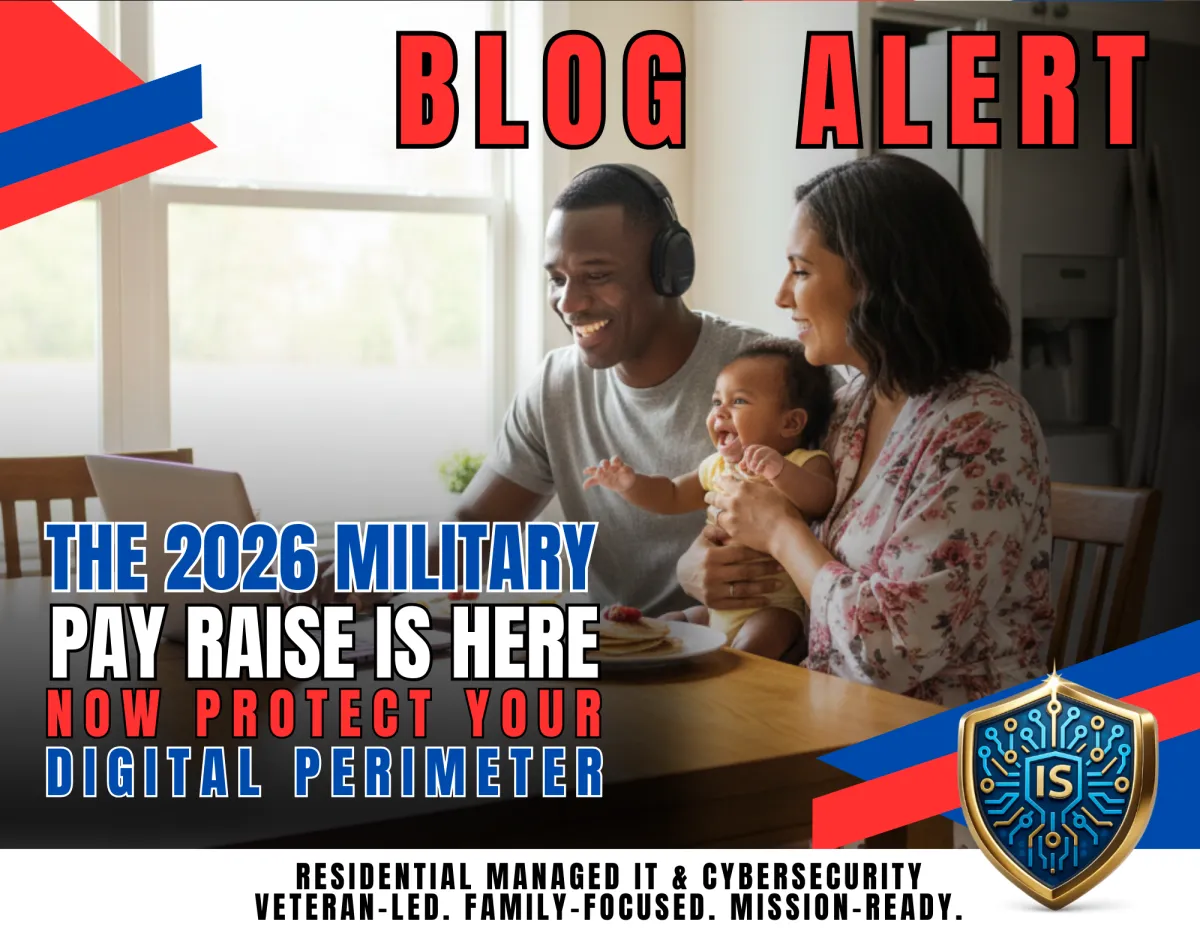
2026 Military Pay Raise: Protect Your Accounts from Scam Spikes
The 2026 Military Pay Raise Is Here Now Protect Your Digital Perimeter
When a pay raise hits the headlines, it’s good news for military families. According to Military.com, the 2026 National Defense Authorization Act was signed and confirms a 3.8% increase in military basic pay, along with changes touching allowances like BAH and BAS.
But here’s the “home front” reality: when money changes are in the news, scammers treat it like a green light.
They send fake “pay update” emails, spoofed MyPay-style alerts, and urgent texts that push you to “verify” information. And in a PCS season or deployment gap, that urgency can work.
This post is your calm, mission-ready SOP to stay protected.
Why this matters to the military home front
Military households are uniquely targeted because:
we have predictable “official” systems and benefits workflows
we move often (new networks, new devices, address changes)
we’re busy (deployments, drill weekends, family logistics)
A pay raise headline makes social engineering easier because scammers don’t have to invent a story they just attach a link to a real one.
Step 1: Treat “pay raise” messages like a phishing spike
If you get a message claiming you must “confirm” pay, allowances, or banking details, assume it’s suspicious.
How to do it:
Don’t click the link. Navigate to official sites the safe way (typed URL or verified bookmark).
Step 2: Lock down your email first (it’s the master key)
If your email gets compromised, attackers reset passwords everywhere banking, shopping, subscriptions, and even device accounts.
How to do it:
Enable MFA on email and confirm your recovery options are correct.
Step 3: Protect the “money accounts” with MFA + unique passwords
Pay/allowance changes push people into financial accounts and portals more often. That’s when reused passwords get exposed.
How to do it:
Use a password manager and enable MFA on banking, credit monitoring, and any payroll-related accounts you use.
Step 4: Secure your home Wi-Fi before the next move or travel block
PCS setups often lead to “temporary” shortcuts: default router passwords, weak Wi-Fi settings, or a guest network that isn’t secured.
How to do it:
Change router admin password, update firmware, use WPA2/WPA3, and keep guest/IoT devices separated where possible.
Step 5: Create a 2-minute household rule: “Urgent = Verified”
This stops most scams without turning your life into a cyber lab.
How to do it:
If a message creates urgency (deadline, fee, account lock), verify off-link using a known method.
Step 6: Deployment-proof the household tech plan
When one spouse deploys, the other becomes the “CTO by default.” Scammers exploit frustration and isolation.
How to do it:
Write down a simple “Home Front Tech Kit”:
ISP support number
router make/model
where backups are stored
who to call for trusted help
Step 7: Back up what matters (photos, records, documents)
Ransomware doesn’t care about your schedule especially when you’re already busy.
How to do it:
Verify backups for photos and important documents (cloud + local if possible).
Common Mistakes
Clicking “pay update” links from text/email
Approving MFA prompts you didn’t initiate
Reusing passwords across email and banking
Leaving router defaults after a move
No backup plan for photos and records
Mission-Ready Checklist
MFA enabled on email + financial accounts
Unique passwords on top 10 accounts
Router firmware updated + admin password changed
Guest/IoT devices separated (where possible)
Family SOP: urgent = verified off-link
Backups verified (photos + key documents)
Ready to secure the home front?
Illuminated Secure helps military families build a fortified digital perimeter accounts, devices, Wi-Fi, identity protection, and backups so you stay mission-ready base to base. Take the Cyber Readiness Self-Assessment to get your next best step.
Disclaimer: This is general information, not legal or financial advice.
